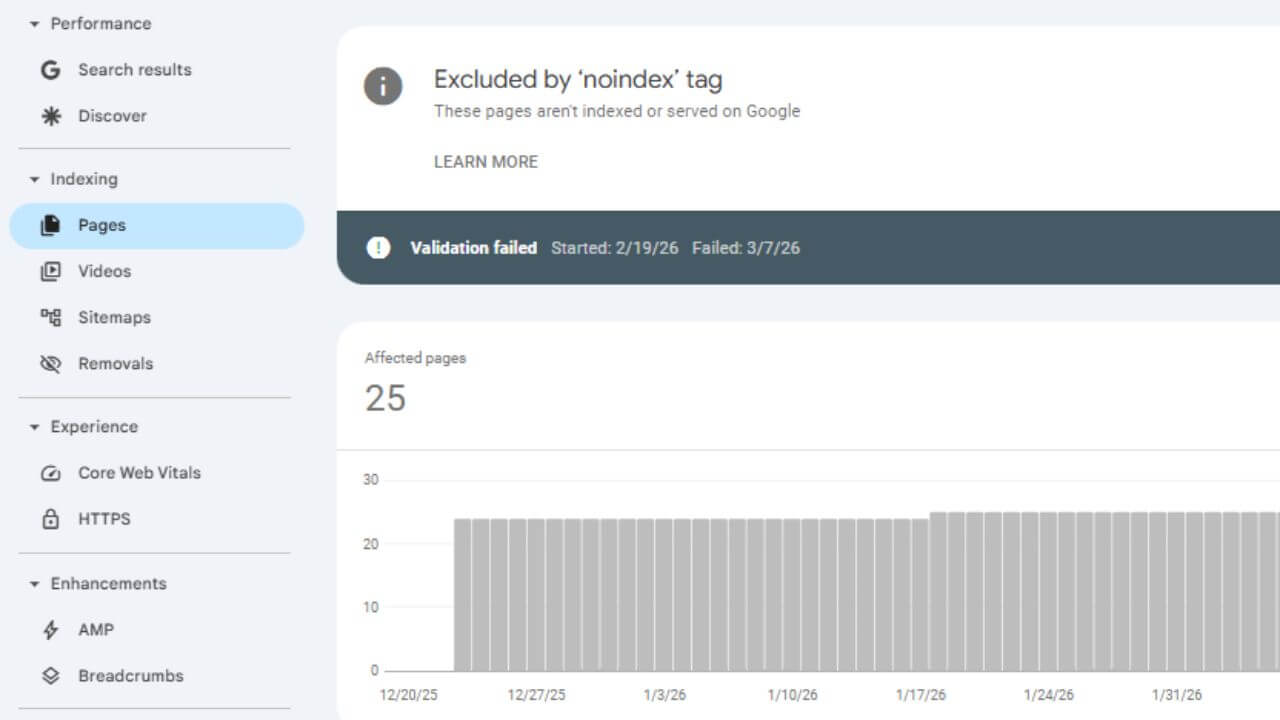
If you are seeing the error “Alternate page with proper canonical tag” in Google Search Console, then there is no need to worry. This is actually not an error, but a status which indicates that Google has not considered any of your pages as the canonical page, but has selected some other version as the primary (main) page.
In this blog, I will explain to you step-by-step in simple language what this issue is and how to fix it.
What does “Alternate Page with Proper Canonical Tag” mean?
When your website has multiple versions of the same content (e.g.:
http and https version
www and non-www version
URL me parameters (?utm=, ?page=2)
Multiple filter URLs of same product
Google then selects one page as the canonical (i.e., version) and marks the rest as alternates to avoid duplicate content.
If Search Console is showing “Alternate page with proper canonical tag,” it means:
You’ve set the canonical tag correctly.
Google has accepted that canonical tag.
That’s why the alternate page isn’t being indexed.
This wouldn’t normally be a problem, unless you were making the wrong page canonical.
Step-by-Step Guide: How to Check and Fix This Issue
Step 1: Inspect the URL in Google Search Console
Log in to your Google Search Console.
Go to the “Pages” section.
Click on “Alternate page with proper canonical tag.”
Click on any URL and select “Inspect URL.”
Here you will see:
User-Declared Canonical
Google-Selected Canonical
If both are the same, everything is fine.
If they are different, there may be an issue.
Step 2: Check the Canonical Tag
Open the source code of your page (Right click → View Page Source) and check this line:
<link rel=”canonical” href=”https://example.com/main-page/” />
Note:
The canonical URL must be an exact match.
HTTP vs. HTTPS must be the same.
www vs. non-www must be the same.
The trailing slash must not be different.
If the wrong canonical is given, correct it.
Step 3: Identify duplicate content
If you have the same content on multiple URLs, such as:
example.com/page
example.com/page?utm=facebook
example.com/page?ref=ads
To ensure that:
✔ The main page is self-canonical
✔ Parameter URLs point to the canonical main page
Step 4: Fixes for WordPress Users
If you’re using WordPress and have SEO plugins like:
Yoast SEO
Rank Math
All in One SEO
To use these plugins:
Edit Page
Go to Advanced SEO settings
Check Canonical URL
Manually enter the correct URL if it’s incorrect.
Usually, plugins automatically set the correct canonical.
Step 5: Fix the HTTP vs. HTTP issue
If your site is accessible via both http and https, Google may consider it a duplicate.
To fix:
Go to the Hosting panel and set up a 301 redirect.
Redirect from HTTP to HTTPS.
Choose a version from www to non-www or vice versa.
For instance (htaccess):
RewriteCond %{HTTPS} Off RewriteEngine On
https://example.com/$1 [L,R=301] RewriteRule ^(.*)$
Step 6: Proper internal connecting
Google could become perplexed if you have internal links to different URLs (like parameterized versions).
Constantly:
✔ For internal linking, use the primary canonical URL.
✔ Give the sitemap only canonical URLs.
Update the Sitemap at Step Seven.
Check your XML sitemap by opening it.
Do other URLs appear there?
Only canonical pages should exist.
Recreate the sitemap if any URLs are erroneous.
It is readily regenerated in WordPress with an SEO plugin.
When does this problem become serious?
This issue becomes serious when:
You make the wrong page canonical
Important pages are not being indexed
Product pages are being excluded from the index
If your main page is being indexed and getting traffic, there’s no need to worry.
Important SEO Tips
✔ Use self-referencing canonical on every page
✔ Avoid duplicate pages
✔ Use proper 301 redirects
✔ Filter and noindex parameter URLs if necessary
✔ Keep the sitemap clean
Final Conclusion
“Alternate page with proper canonical tag” is an informational status in Google Search Console, not a major error. It occurs when Google recognizes that a more important version of a page already exists.
All you need to do is ensure that:
The canonical is set correctly
There is no duplicate content
The sitemap contains only main URLs
Internal linking is correct
If all of this is correct, your SEO is safe.
Latest Post:
Google Business Profile Service Provide | GMB Expert
Hyundai Verna 2026 – Price, Features, Specs & Mileage Details
Special Note
If you’re looking to expand your business’s online presence and reach more customers, we can help. We work to rapidly grow your business through digital marketing, SEO, and online growth strategies.
For more information, contact us: theearningengine1@gmail.com