
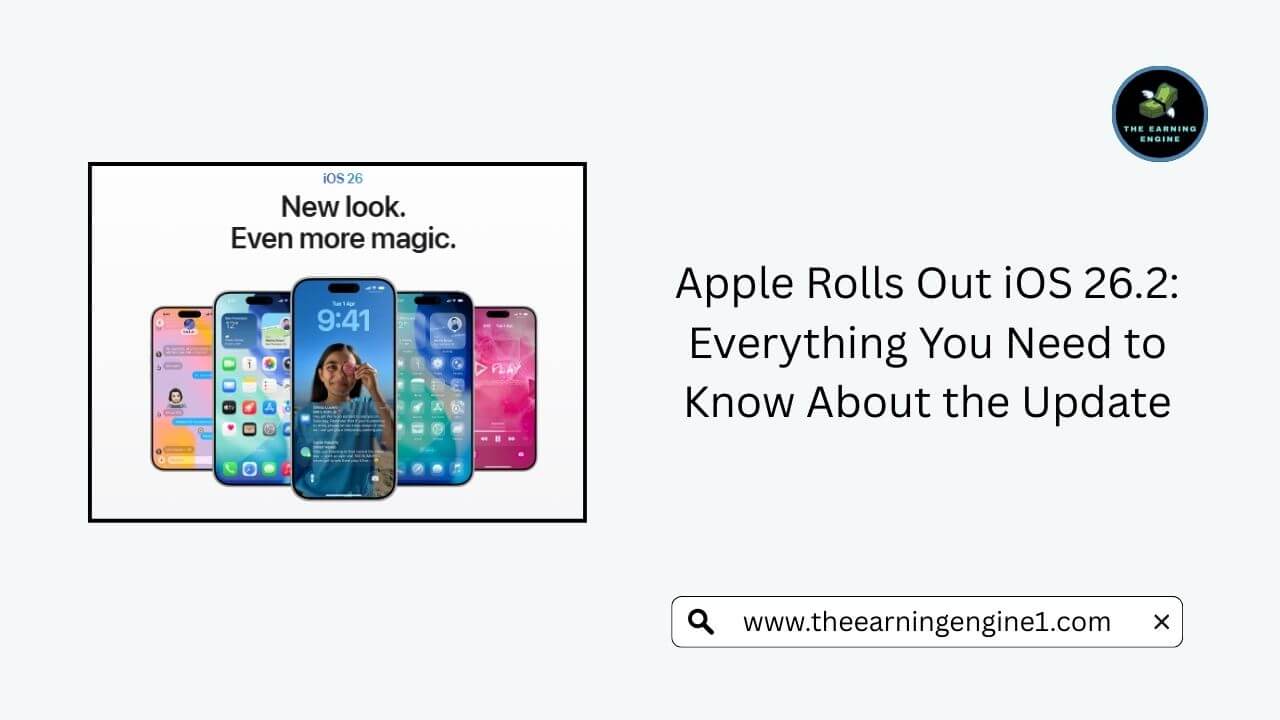
Apple has begun releasing its latest iPhone software update, iOS 26.2 update, marking another major step in the company’s continuous effort to enhance device performance, security, and user experience. Earlier, iOS 26 was listed as an optional upgrade, but Apple has now shifted it to “recommended,” signaling that the update is becoming more important for users who want improved stability and security.
For anyone who prefers to stay protected with Apple’s latest security patches, upgrading to iOS 26 has become almost essential. Although Apple is still providing security support for iOS 18, several reports suggest that this support may be phased out in the coming months. This is a strong indication that users should prepare to move to the newer operating system sooner rather than later.
iOS 26 Supported Devices
Apple has confirmed that a wide range of iPhones are compatible with iOS 26. The list includes both the latest models and several older generations, giving many users access to the new features.
Supported iPhones:
- iPhone 17 Series (iPhone 17, 17 Pro, 17 Pro Max)
- iPhone Air
- iPhone 16 Series (16e, 16, 16 Plus, 16 Pro, 16 Pro Max)
- iPhone 15 Series
- iPhone 14 Series
- iPhone 13 Series
- iPhone 12 Series
- iPhone 11 Series
- iPhone SE (2nd generation and later)
This long list ensures that even users with older hardware can experience the improvements introduced in iOS 26.
Has iOS 26.2 Update Been Released?
Yes. Apple has already released iOS 26.2 update to the public.
Depending on your internet speed, device model, and Apple’s server load, downloading and installing the update may take anywhere from 30 minutes to a couple of hours. Larger updates often take longer, especially during peak times when millions of people download the software.
How to Update to iOS 26.2
Before installing the update, Apple strongly recommends backing up your device. Creating a backup ensures that your data stays safe in case anything goes wrong during the installation process.
Once the backup is complete, follow these steps:
- Open Settings
- Go to General
- Tap on Software Update
- If more than one update is available, choose the version you prefer
- Tap Install Now
- If you see Download and Install, tap that option first, enter your passcode, and then proceed with the installation
Make sure your phone is connected to Wi-Fi and plugged into a power source during the update.
Key Features of iOS 26 Update
Apple introduced iOS 26 earlier this year with a completely refreshed interface and a series of intelligent upgrades. One of the biggest highlights is the new “Liquid Glass” design, which gives the entire interface a transparent, fluid-like appearance that shifts colors depending on what’s displayed on the screen.
Other major improvements include:
1. Enhanced Apple Intelligence
Apple Intelligence received several upgrades, most notably improved live translation tools and advanced visual intelligence. This allows users to search screenshots more accurately and interact with images in smarter ways.
2. New Call Screening Features
iOS 26 has introduced a powerful call screening tool that automatically answers unknown calls, asks the caller for information, and displays that information to the user. This helps people avoid spam and decide which calls are worth picking up.
3. Hold Assist
This feature keeps your place in line when you’re on hold with a business. Once it’s your turn to speak with a representative, your phone alerts you so you can return to the call.
4. CarPlay Upgrades
CarPlay now supports Live Activities, meaning users can view real-time updates—such as delivery progress, sports scores, or event timelines—directly from their vehicle’s dashboard.
iOS 26 vs. iOS 26.2: What’s the Difference?
While iOS 26 brought many new features, iOS 26.2 update focuses on polishing the experience. The new update includes improvements across several categories:
- Better interface response
- Enhanced file sharing
- Smarter reminders
- Improved sleep and health tracking
- Upgrades to Apple Podcasts and Apple News
- Performance optimization and bug fixes
- Improved battery behavior and overall system stability
For everyday use, iOS 26.2 makes the iPhone feel smoother, more stable, and more reliable.
Also Read:
Tata Sierra 2025 – Design, Features, Price & On-Road Details
Dharmendra Death News Live – Fact Check, Latest Updates, and Social Media Reactions